
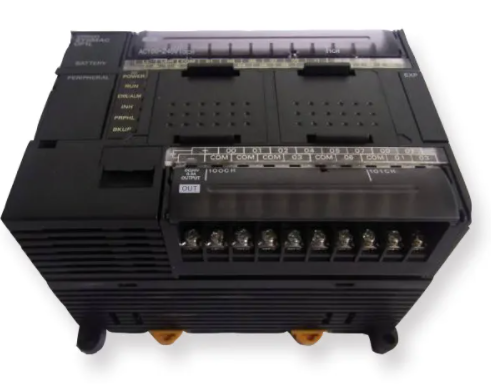
Procedimentos de manutenção e equipamentos da Omron plc regulamentos regulares de limpeza
Tempo de liberação:2023-02-28 16:01:38
I. Maintenance procedures, regular equipment testing and adjustment regulations
(1) Check the connection of wiring terminals in the PLC cabinet every half a year or quarter. If loose places are found, re-connect firmly in time;
(2) Measure the working voltage of the power supply to the host in the cabinet every month.
Ii. Provisions for regular cleaning of equipment
(1) Clean PLC every six months or quarter, cut off the power supply to PLC, remove the power rack, CPU motherboard and input/output board in turn, purge, clean and then install in place, restore all connections and power and start the PLC host. Carefully clean the PLC box health;
(2) Replace the filter under the power rack every three months.
-
 202302-17
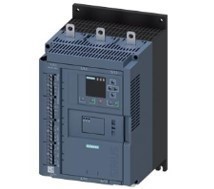
959698 razões para falha do soft starter 3RW44 da Siemens
3RW44 Soft starter 95.96,98 é uma falha abrangente, o que faz com que ele funcione?95.96,98 razões para falha do soft starter 3RW44 da Siemens95,96,98 é o contacto de falha normalmente aberto norma···
-
 202302-06
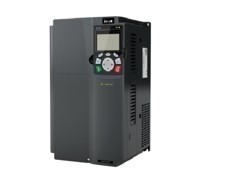
O cabo de alimentação entre o soft starter da Siemens e o motor precisa de blindagem
For 3RW soft starters, it is sufficient to use an unshielded main loop cable between the motor and the 3RW soft starter.The main reasons are as follows:The frequency of the power supply on the motor t···
-
 202309-22
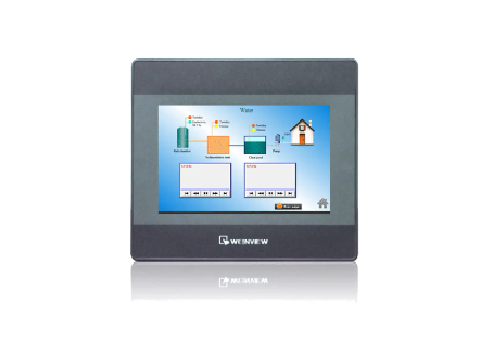
Resposta da tela sensível ao toque WEINVIEW método de inspeção lento
1, visualizar a aparência da tela sensível ao toque WEINVIEW: Observe se há sujeira, impressões digitais ou arranhões na aparência da tela sensível ao toque WEINVIEW, que podem afetar a sensibi···
-
 202305-19
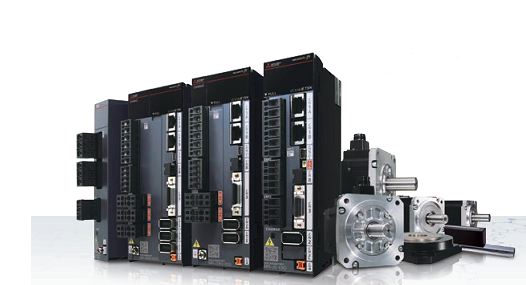
Mitsubishi PLC control inverter method
First, Mitsubishi plc analog signal control frequency converterHardware: fx1n type, fx2n type plc host, equipped with a simple FX1N-1DA-BD extended analog output board; Or analog input/output mixed mo···
-
 202302-07
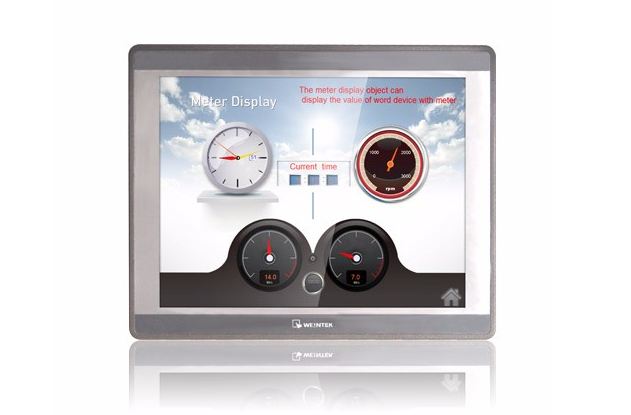
WEINVIEW TK6070ih touch screen na configuração do sistema quais são os métodos?
1. Geralmente, há um pequeno botão de seta preta no canto inferior direito da tela sensível ao toque. Depois de clicar e inserir a senha correta, você pode inserir as configurações do sistema. N···


 +8618621383628
 +8613811814778
 info@zhongpingtech.com
 Edifício 26, Comunidade Liyuan, Distrito de Chaoyang, Pequim, China